Managing archive files is definitely one of the top functions users need on their phones. It's actually kind of weird that default Android tools still mostly limit you to .zip files. For any other archive format, you'll need a dedicated app to step in. Let's see if ZArchiver can be the right pick for you.
A simple interface with unusual navigation
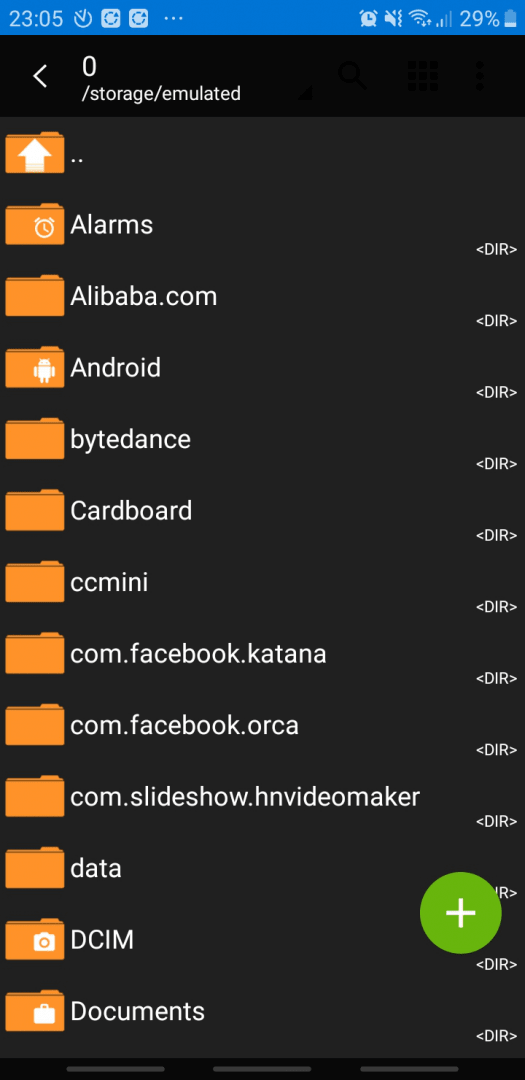
ZArchiver is available for free on Android. When you open it, you are greeted with a simple file explorer used to select files for a new archive or to extract an existing one. The design is nothing special, but the layout choices can be a bit weird. The main screen features almost no buttons except the navigation bar and a plus icon used to create archives.Format support and compression options
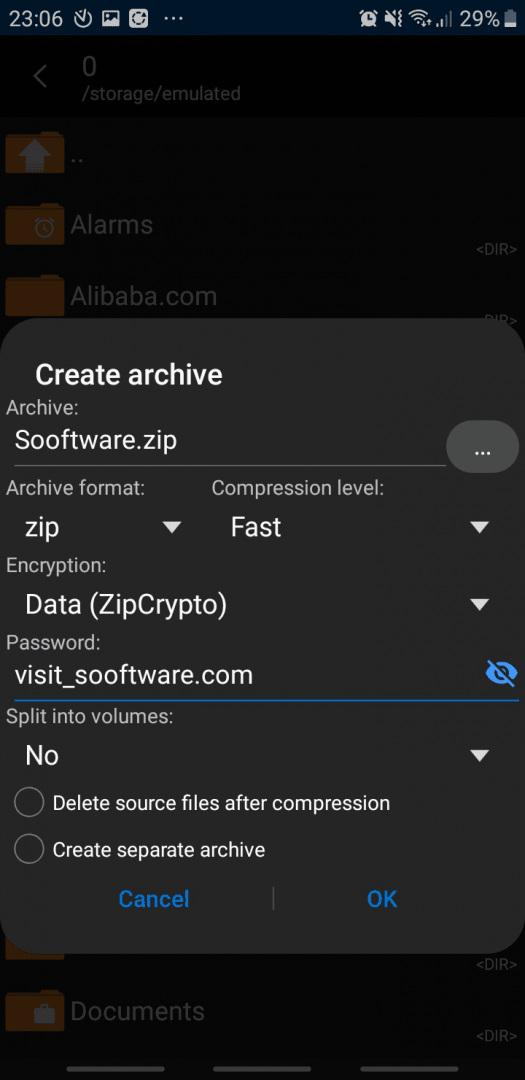
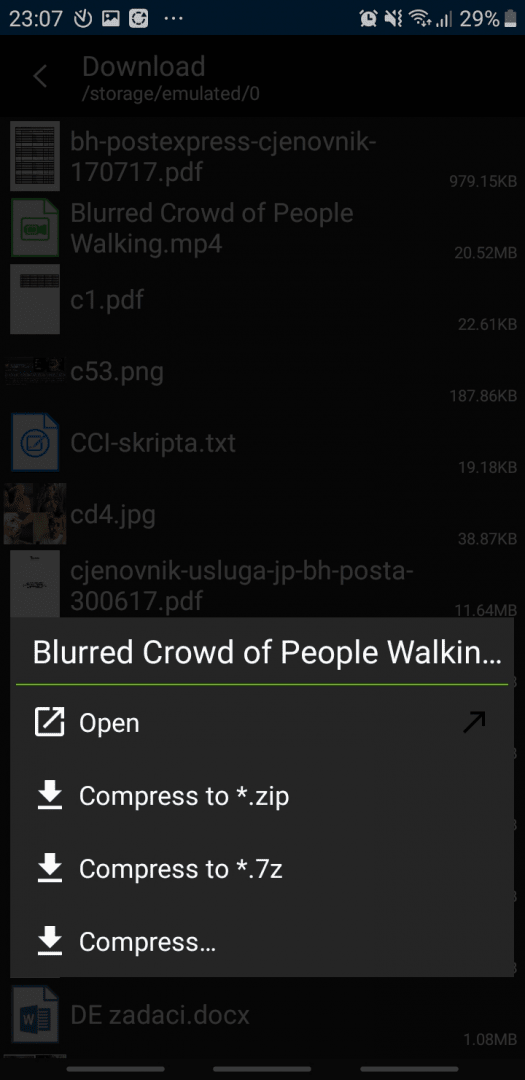
Navigating through your folders eventually reveals the search button and an options menu, though it's strange that the layout doesn't always feel consistent. When it comes to compression, ZArchiver can create several archive formats: zip, 7zip (7z), gzip (gz), bzip2 (bz2), tar, XZ, lz4, and zst. You might immediately notice that there is no option to create a .rar file - a restriction tied to the format's proprietary licensing.Extraction and power user tools
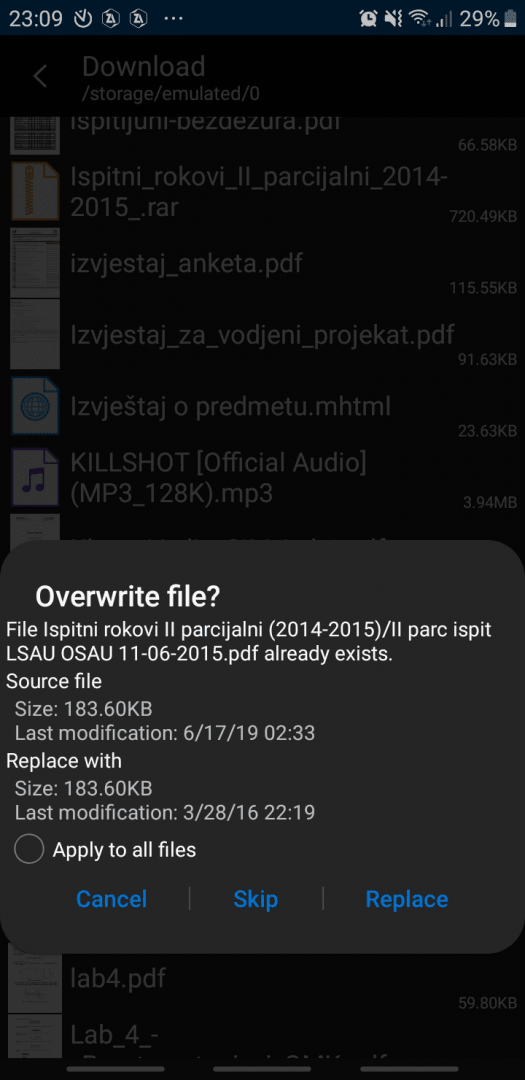
Fortunately, the list of archive formats you can view and extract is much longer and fully supports .rar extraction. We are also glad to see that you can create and open password-protected archives. There are a few extra tools for power users, too. Archives can be split into multiple parts of a custom size, which is highly useful for managing larger files.Free access with premium extras
There are a few exclusive features locked behind a premium paywall, but everything crucial is available for free. Changing the visual theme, for example, is exclusive to users who buy the Donate version. It's a solid archive manager. It might not win any major design awards, but it absolutely gets the job done.